
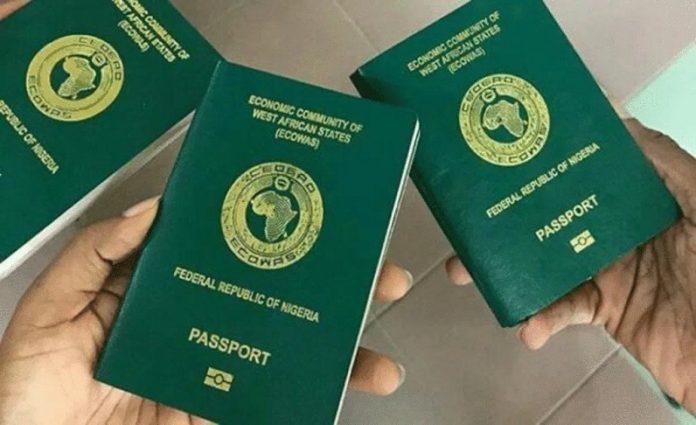
April 13, (THEWILL) – The Nigeria Immigration Service (NIS) has urged applicants for international passports, whether first or renewal, to ensure that the data they submit matches that of their National Identification Number (NIN).
In a statement on its verified Twitter handle, NIS said the advise was necessary to guide against Nigerians having problems during their passport application process.
It also provided information on how Nigerians can confirm the accuracy of their NIN and its data.

The tweet reads: “Before you begin your passport application process, it is important that the data you are submitting to/with us is EXACTLY the same as that on your NIN.
“Here’s how to verify that your NIN and its data are good to go:
“Download, set up and launch the National Identity Management Commission (NIMC) mobile app on your Android or iOS device.
“Log in by supplying your PIN on the lock screen.
“In the home menu, select the “GET VIRTUAL NIN” option.
“Read through the ‘Enhance Data Privacy Agreement’.
“Click on the button with a “+” sign at the bottom right corner of the screen to kick off the VNIN generation process.
“Tap on either the “Scan Enterprise’s QR Code” or “Type Enterprise’s ID”.
“You can simply tap the “Type Enterprise’s ID” and supply the Youverify agent ID or agent code 471335.
“The app generates a virtual NIN for you specifically with the enterprise alone. Forward this code to the enterprise for verification.
“Lastly, you’ll receive a notification once the verification is completed by the enterprise or agent.”